No more blank timeline anxiety.
Every project starts the same way: hours of searching, labeling, and organizing before the first cut. You became an editor to tell stories, and instead you spend most of the week doing prep work a machine should handle.
than editing
preparing per project
makes the cut
than capacity
Watch Wideframe work.
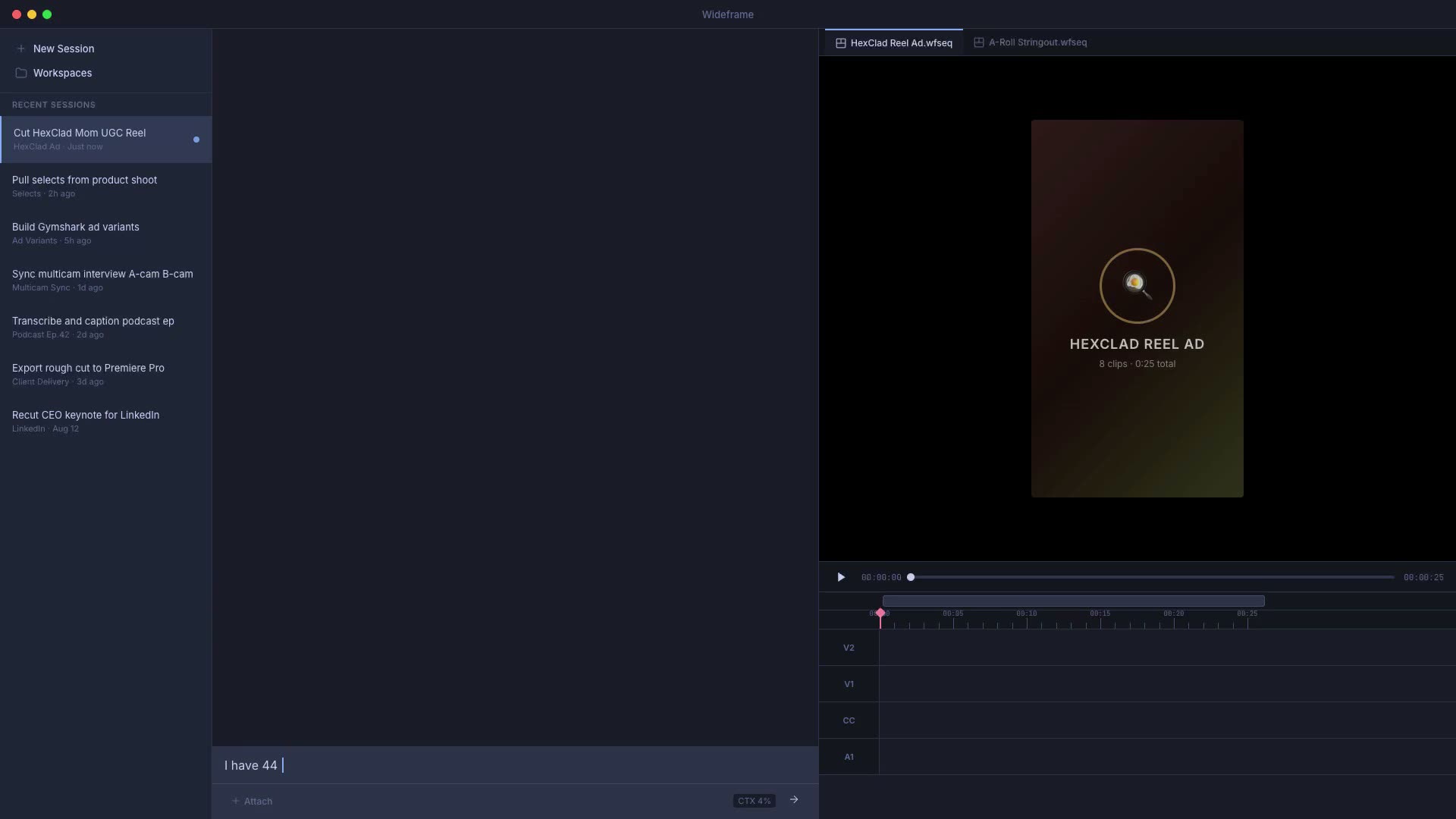
Your AI Assistant Editor.
Wideframe is an AI Assistant Editor that lives on your Mac. It watches your footage the way an assistant editor would: it knows what was shot, what was said, and where the good takes are. Tell it what you need in plain English and it hands you a ready-to-cut Premiere Pro project.
Three steps to your first AI edit.
Point it at your footage
Point Wideframe at your footage — local drives or cloud storage. Raw clips, B-roll, interviews, product shots — everything gets searched, labeled, and indexed by meaning without moving your source files.
Say what you need
"String out the A-roll from interview_03 in transcript order." "Sync the multicam from Saturday's shoot and label the speakers." Specific tasks, checkable results.
Finish in Premiere
Get a native .prproj with your clips on the timeline. Open it in Premiere Pro, make your creative adjustments, and export. The rough cut is done — you just do the finish.
One subscription. The whole toolkit.
Everything your assistant editor works with is included in the $100/mo plan: the models, the skills, and native Premiere Pro output. No credit packs and no add-ons.
Everything included, on every plan
- AI Assistant Editor: analyzes your footage, finds clips and soundbites, builds ready-to-cut Premiere Pro projects
- 30+ ready-made skills: multicam sync, pull selects, interview stringouts, captions, organize bins, and more
- Transcription and speaker labeling across your whole library
- Video generation with Veo 3.1 and Sora 2
- Image generation with Nano Banana 2 and GPT-Image-2
- Voiceover and music generation with ElevenLabs
- Lipsync dubbing and localization with HeyGen
- Read, write, and edit .prproj files
- BYOK options via Skills and MCPs
Keep grinding, or start delegating.
“I was blown away at how it analyzed the footage, told me what scenes were missing from the producer’s initial shot list, and even what scenes only had one-camera coverage versus two. Incredible!”
Dylan Tuba
TUBA TIME CREATIVE
Common questions.
AI video generators create synthetic footage from text prompts. Wideframe is an AI coworker for video editors — it automates the preparation work (searching, labeling, organizing, sequencing) using your real footage. Point it at your footage library, describe what you need, and get back a Premiere Pro project built from your actual clips.
No. Wideframe works alongside Premiere Pro. It's a desktop app that handles the preparation work — searching, labeling, organizing, and sequencing your footage — then outputs native .prproj files you open directly in Premiere for the creative finish.
Wideframe is a native Mac app that requires Apple Silicon (M1 or later). It runs on-device for fast, frame-accurate media analysis and works across your local filesystem and cloud storage providers.
Full access to Wideframe for 7 days. No usage limits. Connect your footage library, run the agent, and export as many edits as you want. If it doesn't change how you work, cancel with zero friction.
Nothing today. Your card is saved when you start the trial, and the first $100 charge happens when the 7-day trial ends. Cancel before then and you pay nothing.
While the Wideframe app is open, look at the Mac menu bar at the very top of your screen, then go to Account > Billing. You can also email founders@wideframe.com. Cancellation takes effect immediately and stops the next bill.
Yes, priced per team. See pricing, or email founders@wideframe.com with your team size and workflow and a founder will reply directly.